LOCAL AI BUYING GUIDE
Choose the memory.
Then compare the price.
For a local AI PC, start with the GPU memory your model and runtime need, then choose compatible system RAM and compare exact variants and prices. Memory tiers are starting points, not promises of model fit or speed; inspect each used card and seller.
Last updated: · Content revision; prices have separate check times.
VRAM is memory on the graphics card. System RAM supports the rest of the machine. More system RAM does not automatically give a GPU more VRAM.
STEP 01
Pick a GPU memory range to explore
These are shopping starting points, not promises that a specific model will fit or run at a certain speed.
Start experimenting
A starting point to research for a first local AI machine. Check your chosen model’s memory needs before buying.
Balance AI and gaming
Compare 16GB cards if you want more memory room and a machine that also handles gaming.
Prioritize more VRAM
Compare a used 24GB card with newer options. Check the individual seller, condition, cooling and return terms.
Need more room on one card? Explore 32GB or see 48GB+ workstation cards. Model weights, context length and runtime overhead all affect memory use.
STEP 02
Choose system RAM for the whole machine
Keep space for your operating system, model loading and other applications. Start by checking what your existing platform supports.
DDR4 and DDR5 are different. Desktop UDIMMs and registered RDIMMs are different. Match the generation, module type and supported kit capacity to your motherboard.
Read the memory planning guide →STEP 03
Check these three things before checkout
- 01
Your model and runtime
Check the exact GPU, operating system and backend support. Memory capacity alone cannot establish compatibility.
Check runtime support ↗ - 02
Your existing platform
Check GPU clearance, cooling and power, plus the RAM generation and qualified-kit support.
Open compatibility checklist → - 03
The item and its seller
Confirm the exact variant, condition, return policy and final checkout price. Matching used variants share a product page, with individual seller details.
Read the used GPU checklist →
REFERENCE
Compare the GPU options in more detail
Research targets and current stock are separate. A missing quote means we have no fresh offer from our connected sources.
| GPU & VRAM | What to consider | Current listings |
|---|---|---|
| RTX 306012GB VRAM | Entry-level local AICompare the 12GB version; the 8GB version is outside this catalog. | No current quote |
| RTX 4060 Ti16GB VRAM | 16GB alternativeThe 16GB and 8GB variants are separate products. | No current quote |
| RTX 5060 Ti16GB VRAM | AI + gamingA current-generation 16GB option to compare on price and runtime support. | Compare 4 variants → |
| RTX 5070 Ti16GB VRAM | 16GB performance optionCapacity is the same as other 16GB cards; speed needs workload-specific evidence. | Compare 6 variants → |
| RTX 508016GB VRAM | 16GB higher-end optionA newer or faster GPU does not automatically have more room for model weights. | Compare 9 variants → |
| RTX 309024GB VRAM | Used personal-lab routeFrequently reported in the community sample. Check each individual card and seller. | Compare 2 variants → |
| RTX 409024GB VRAM | 24GB workstation routeStandard cards have 24GB. Do not confuse modified cards with the standard product. | No current quote |
| RTX 509032GB VRAM | 32GB single-GPU routeVerify Blackwell support in your runtime and driver version. | Compare 3 variants → |
| RTX A600048GB VRAM | 48GB workstation routeA different architecture and product from the RTX 6000 Ada. | No current quote |
| RTX 600048GB VRAM | RTX 6000 Ada / 48GBConfirm the exact Ada variant and source title; family wording alone is not enough. | No current quote |
What about AMD, Intel and multiple GPUs?
Radeon and Arc cards can be relevant when supported by your chosen runtime. Check the exact GPU and operating system; CUDA-focused examples do not establish equal support or performance elsewhere. Multiple GPUs need a supported workload and suitable platform; two cards do not automatically become one combined memory pool.
Current 48GB+ workstation listings
Check the exact architecture, runtime support and cooling. A passive server accelerator may need dedicated server airflow.
| Product / exact variant | Current price | Price rating | Retailers | Buy or compare |
|---|---|---|---|---|
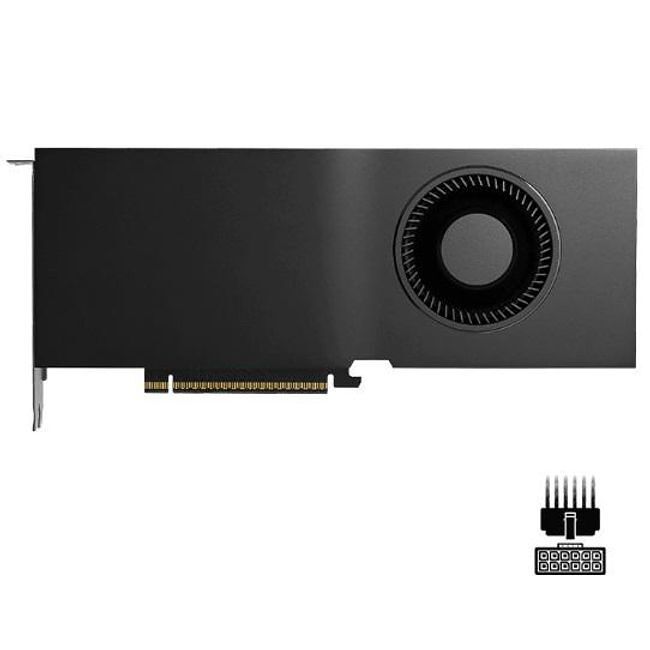 RTX Pro 5000NVIDIA · 48GB GDDR7 | $7,999.99 $166.67 / GB VRAM Central Computers | RigScoreNot rated yet 1 observed day | 1 retailernew · USD | Price history ↗ |
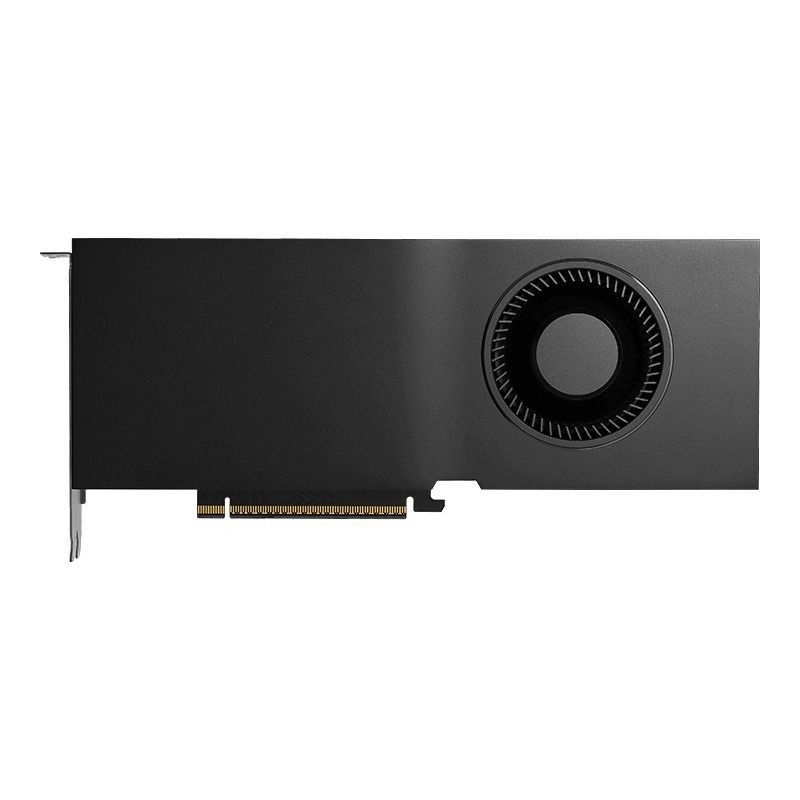 RTX Pro 5000PNY · 72GB GDDR7 | $8,999.99 $125.00 / GB VRAM Central Computers | RigScoreNot rated yet 11 observed days | 1 retailernew · USD | Price history ↗ |
 RTX Pro 6000NVIDIA · 96GB GDDR7 | $14,999.99 $156.25 / GB VRAM Central Computers | RigScoreNot rated yet 8 observed days | 1 retailernew · USD | Price history ↗ |
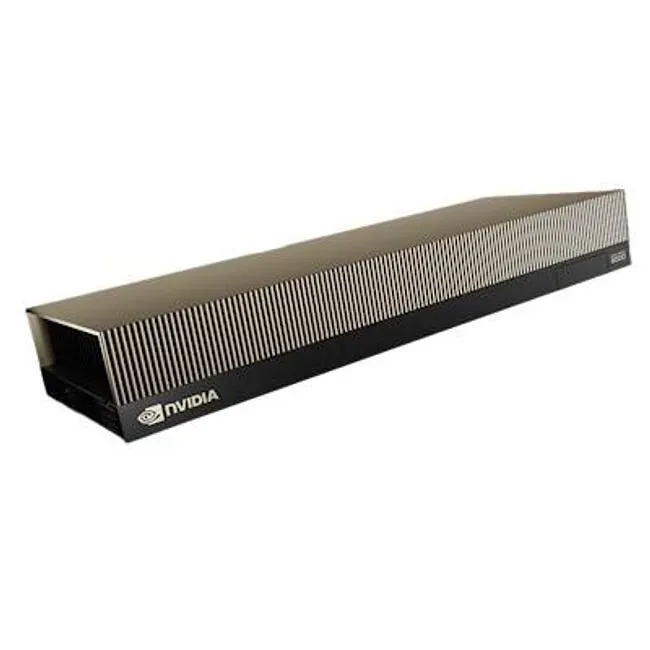 RTX Pro 6000NVIDIA · 96GB GDDR7 | $15,499.99 $161.46 / GB VRAM Central Computers | RigScoreNot rated yet 11 observed days | 1 retailernew · USD | Price history ↗ |
 RTX Pro 6000PNY · 96GB GDDR7 | $15,499.99 $161.46 / GB VRAM Central Computers | RigScoreNot rated yet 11 observed days | 1 retailernew · USD | Price history ↗ |
How this guide is supported
Community reports include RTX 3090, RTX 4090 and RTX 5090 setups, often with 64GB or 128GB RAM. They are examples people reported, not a popularity survey or measured benchmarks. Manufacturer and runtime documents support specification checks.
- Community hardware reports ↗
- Community multi-GPU and memory examples ↗
- NVIDIA consumer GPU specifications ↗
- NVIDIA workstation GPU specifications ↗
- Runtime hardware support ↗
Reviewed October 22, 2026. Capacity targets are editorial starting points. RigScore measures tracked price context, not hardware performance. Retailer prices come from separate timestamped observations.
Understand the price data →